In this article
UberEats: I have technical issues with the Uber app
Topic
UberEats
Employed shift
01 Nov 2026
If you’re doing employed shifts for UberEats and using the Uber Driver app, you might run into some issues sometimes. Below are the main causes and how to fix them. If the problem continues, help is available.
Can't go online?
Before your first shift, make sure you’ve done the following:
- Complete the safety check: You’ll get a pop-up with a bike. Tap all the checkmarks, take a photo, and choose "software" as the issue.
- App says "contact support": Fully close the app and reopen it. That usually helps.
- App asks to pick a vehicle: Choose "bicycle" for example and continue.
- Allow permissions: Make sure you allow location access and push notifications. The app won’t work properly without them.
- Seeing ads? Just close them. They don’t affect anything.
- Still not working? Tap on the error message for more info. If you’re still stuck, follow the below steps to raise your issue via Discord.
Discord:
- Join the Amsterdam Temper group in the Discord Community: https://discord.com/invite/nNprrrfv6S
- Go to the courier-support channel (on the left)
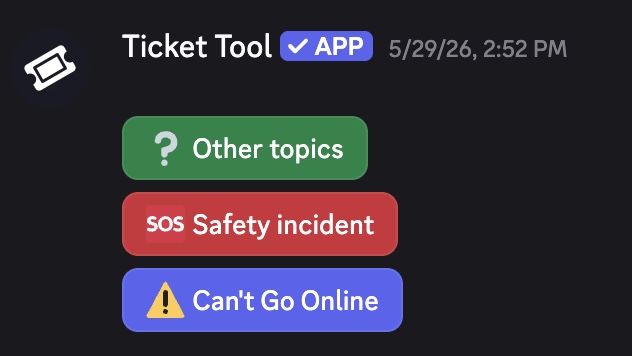
- Start a ticket by choosing what issue you need help with